How to print from any device
Everything works from a phone. Three ways:
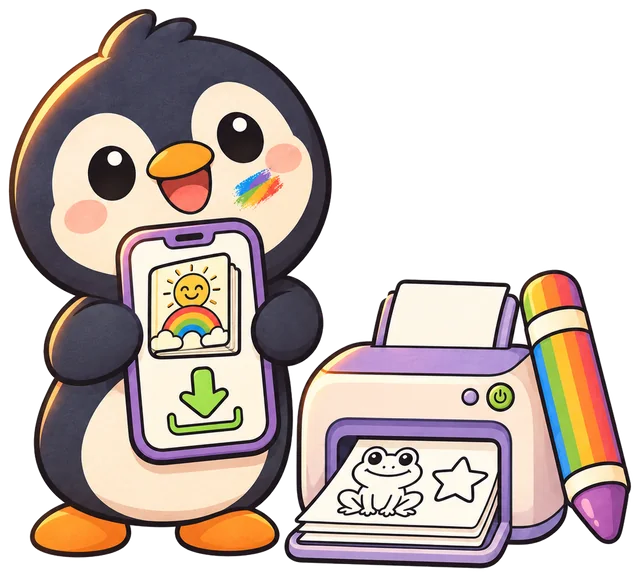 1 · Print the whole bookTap “Download the book”. The PDF opens. On a phone, tap the share icon and choose “Print”; on a computer, Ctrl+P (or Cmd+P). Choose “Fit to page” if your paper is Letter.
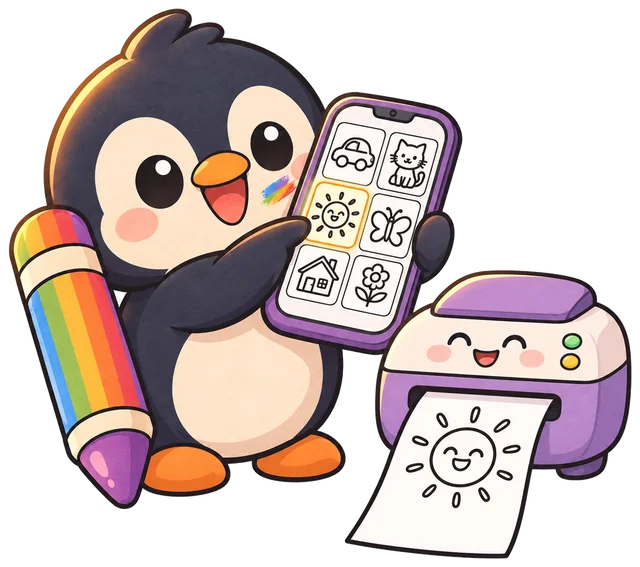 2 · Print a single pageIn any book, tap a page, then “Print this page”. It opens ready to print on one sheet, nothing to download.
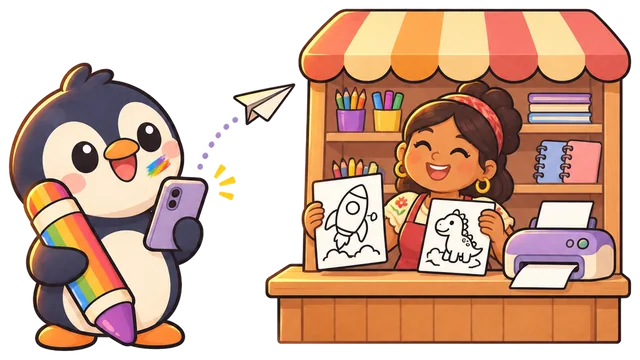 3 · No printer at homeSend the PDF on WhatsApp to a print shop or the school: tap “Share”. You can also save it on the phone to print later.
The books are A4. On Letter paper, tick “Fit to page” and it prints perfectly. Pure black and white: they use very little ink.
Finished? Turn it into art.
Take a photo of your page with your phone and upload it to ColorMagia: your drawing becomes a work of art. Free, child-safe, carbon neutral. All you need is your phone.